Overview
01
Problem
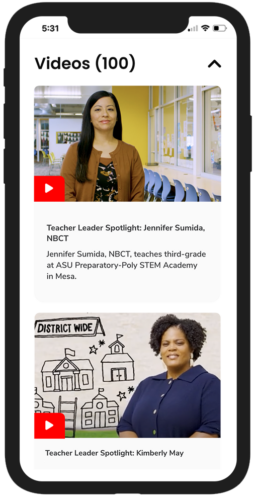
The previous website's lack of accessibility and user-friendliness hindered engagement and resource access. Teachers faced challenges such as difficulty finding essential information, overwhelming text, and an outdated, lackluster design.
02
Goal
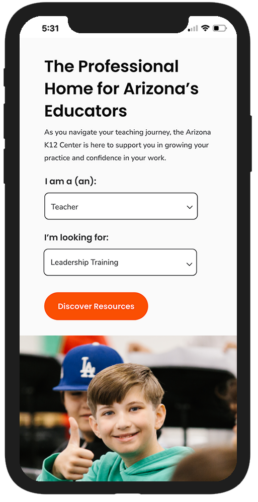
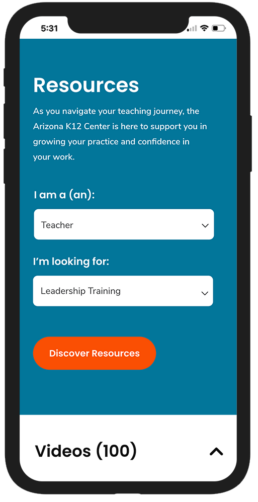
The goal was to create an accessible, user-friendly website that enhances engagement and streamlines access to resources through simplified navigation and a user-friendly experience tailored for educators.
03
Process
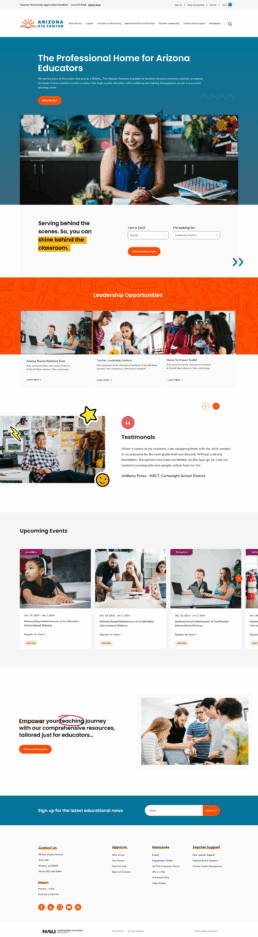
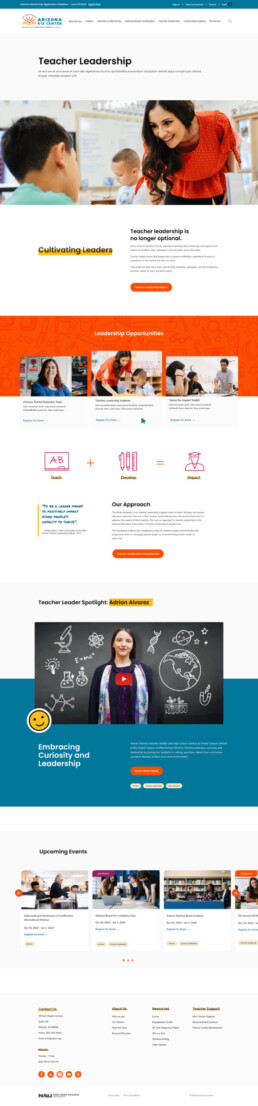
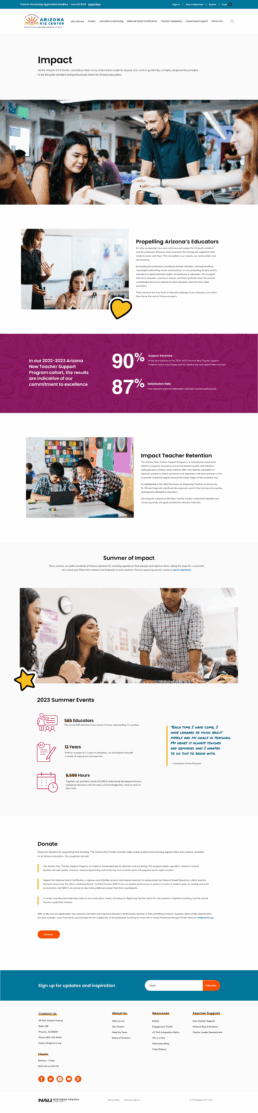
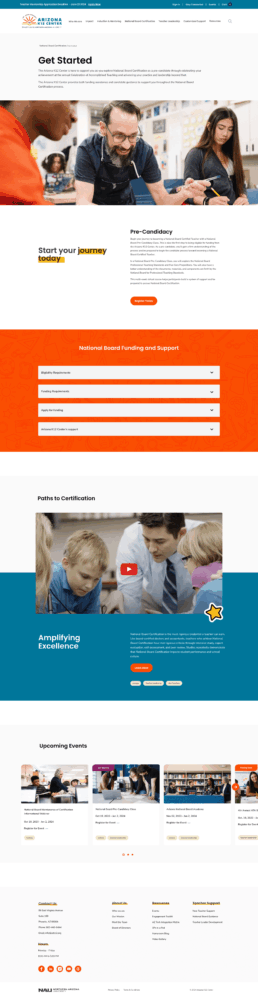
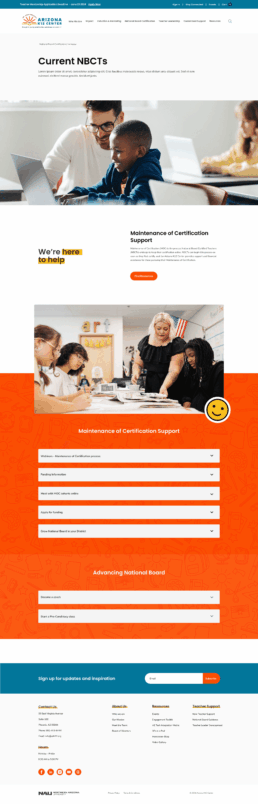
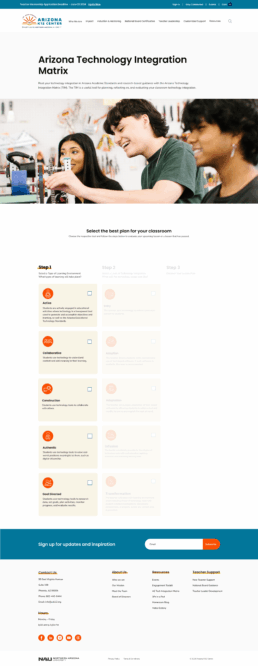
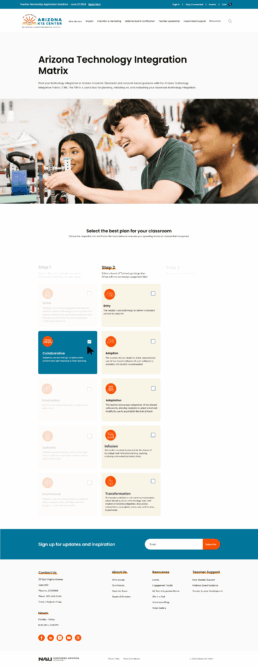
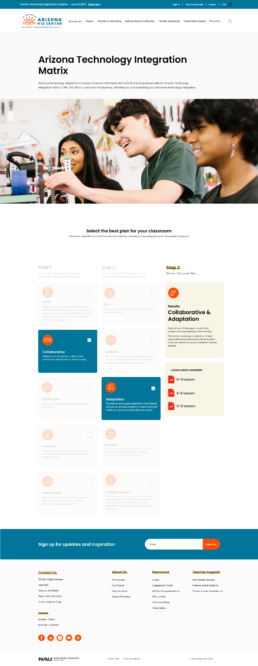
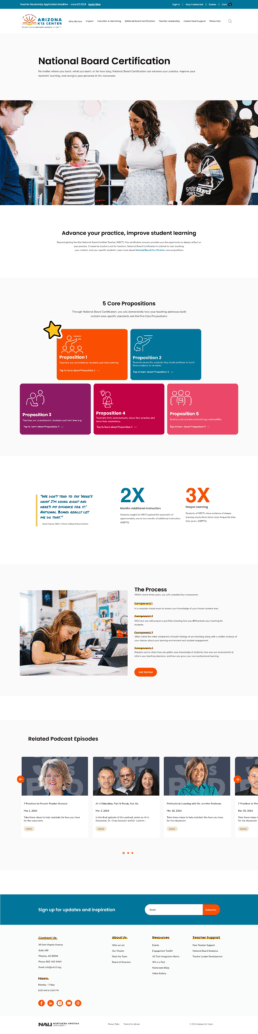
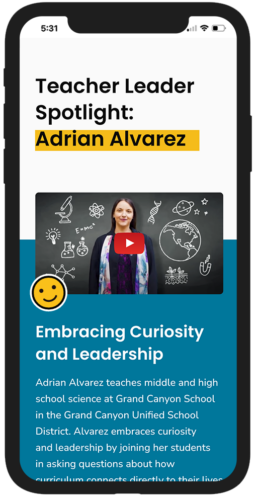
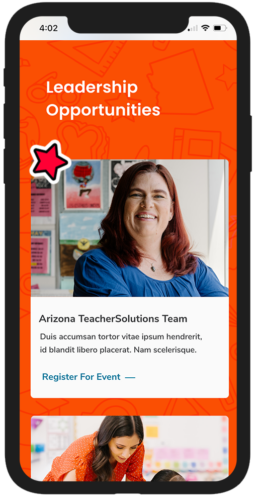
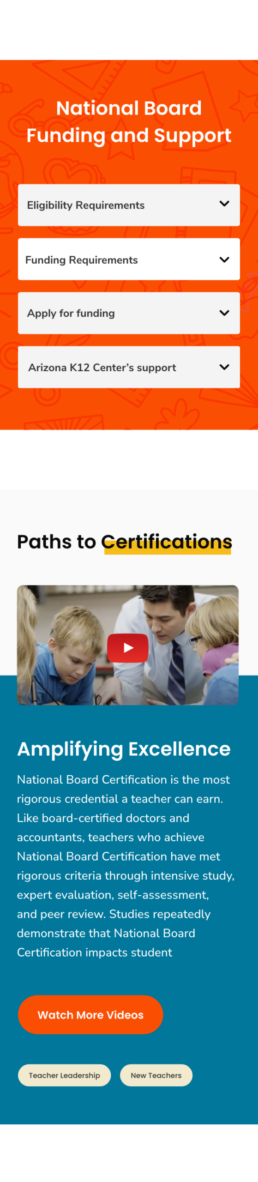
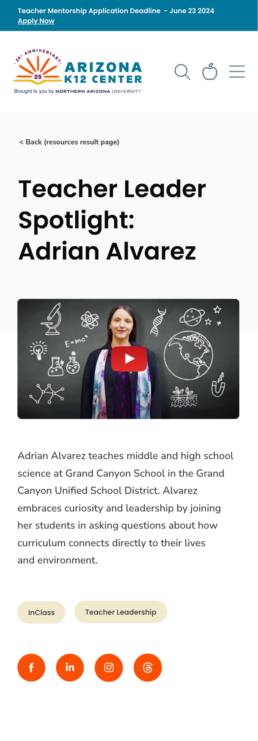
Staff feedback revealed challenges with navigation, outdated design, and overly dense content. With these insights, the redesign prioritized improved accessibility, streamlined content organization, a modernized interface, and more relevant resources for instructors.
04
Role
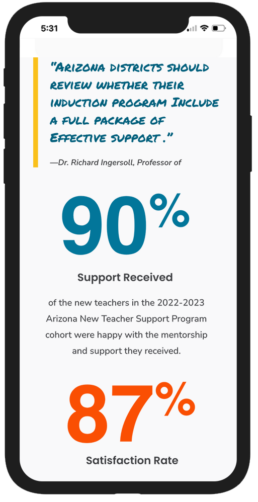
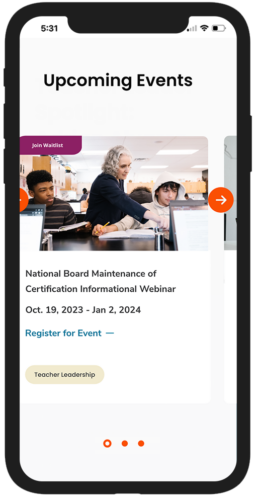
Led the design and development of a user-friendly website guided by staff insights and client feedback. Focused on improving navigation, organizing content more effectively, and creating a clear visual hierarchy to enhance usability and accessibility. The redesigned site delivered a more engaging experience, enabling users to find resources quickly and interact with content more efficiently.
UX Research
Define Project Goals
• Aligned with stakeholders on goals
• Define user goals and target audience
• Gather functional requirements
• Identify success metrics (KPIs)
Content Audit
• Inventory existing content
• Analyze site performance
• Identify content to update/delete
User Research
• Competitive analysis of platforms
• Conduct staff interviews
• Summarize user feedback
• Weekly client meetings
Wireframing & Prototyping
• Design high-fidelity wireframes
• Design content modules
• Test interactive prototypes from dev
Visual Design
• Apply visual design
• Define brand guidelines
• Refine and iterate based on feedback
• Design feedback from client
Handoff
• Revise any last minute visuals
• Provide design assets and specifications to developers
• Ensure design implementation
Colors & Typography
For the website’s branding colors, the goal was to capture the vibrant hues of an Arizona sunset, steering clear of traditional browns. Instead, the palette features bold oranges, soft pinks, warm purples, and golden yellows, reflecting the dynamic colors of the desert sky at dusk.
This fresh, modern approach brings the energy of an Arizona sunset to life, creating a lively and memorable experience for visitors. The result is a design that mixes classic style with a fresh, modern vibe, reflecting the changing beauty of an Arizona sunset.
#02769A
R2, G118, B154
C99, M23, Y0, K40
#607D8B
R96, G125, B139
C31, M10, Y0, K45
#FA4F03
R250, G79, B3
C000, M68, Y99, K2
#8C1A64
R140, G26, B100
C0 M81 Y29 K45
#EB4869
R235, G72, B105
C0, M69, Y55, K8
#FAC01A
R250, G192, B26
C0 M23 Y90 K2
#F1EACE
R241, G234, B206
C0, M03, Y15, K05
#363739
R54, G55, B57
C05, M04, Y0, K78
#0A0A0A
R10, G10, B10
C0 M0 Y0 K96
Headlines
Poppins Semi-Bold
A B C D E F G H I J K L M N O P Q R S T U V W X Y Z 1 2 3 4 5 6 7 8 9 0 A B C D E F G H I J K L M N O P Q R S T U V W X Y Z 1 2 3 4 5 6 7 8 9 0 A B C D E F G H I J K L M N O P Q R S T U V W X Y Z 1 2 3 4 5 6 7 8 9 0
Paragraphs:
Open Sans
Lorem Ipsum is simply dummy text of the printing and typesetting industry. Lorem Ipsum has been the industry's standard dummy text ever since the 1500s.
Wireframes
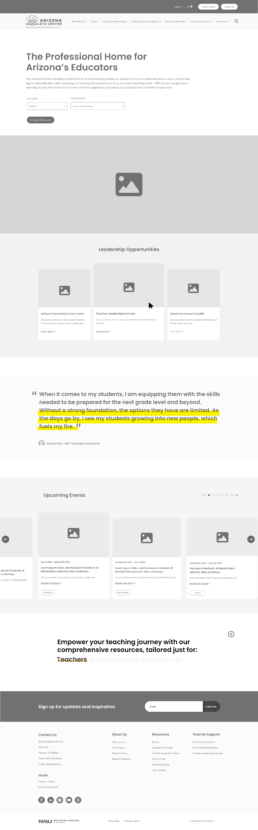
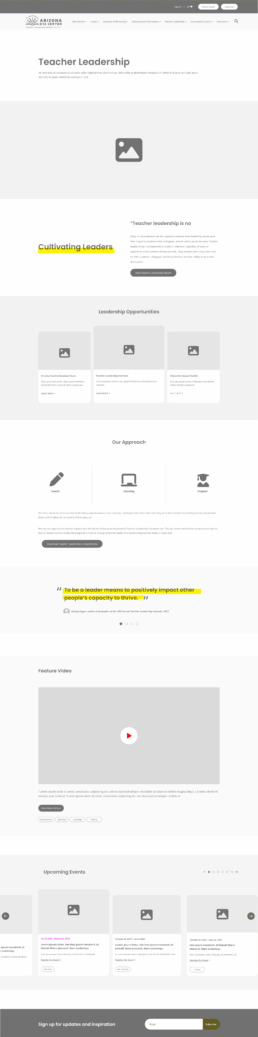
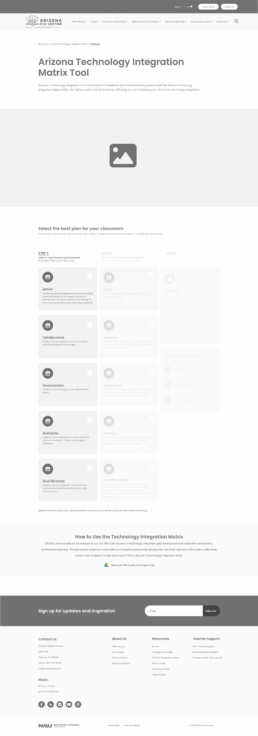
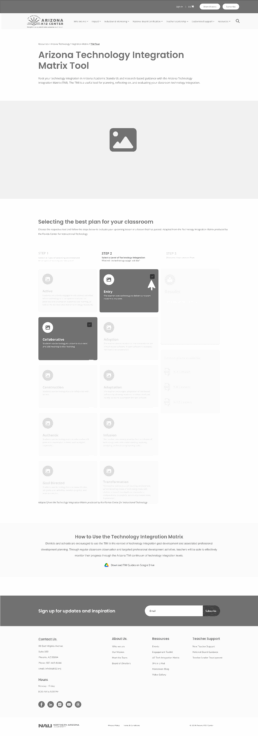
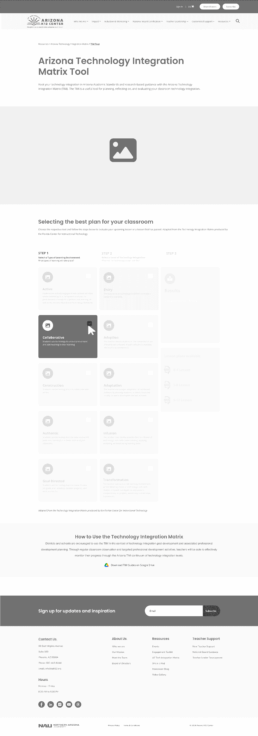
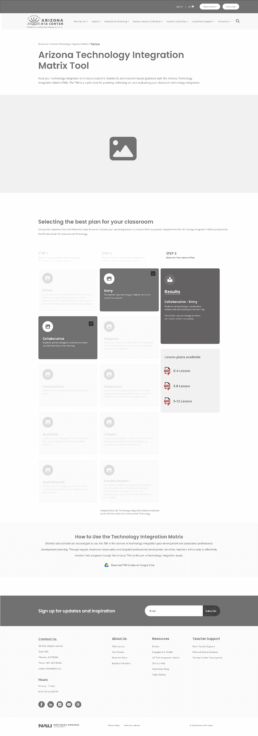
Desktop UI Layouts
Home Page Concept 1
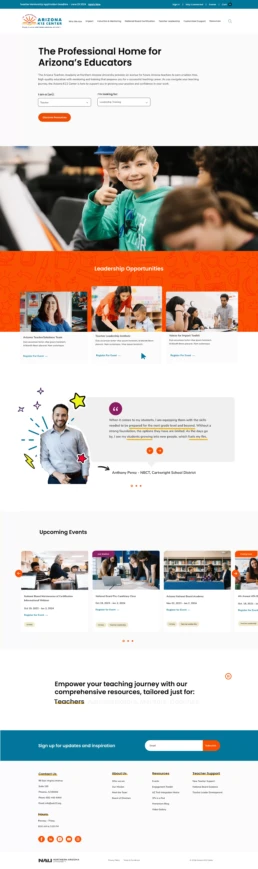
Home Page Concept 2